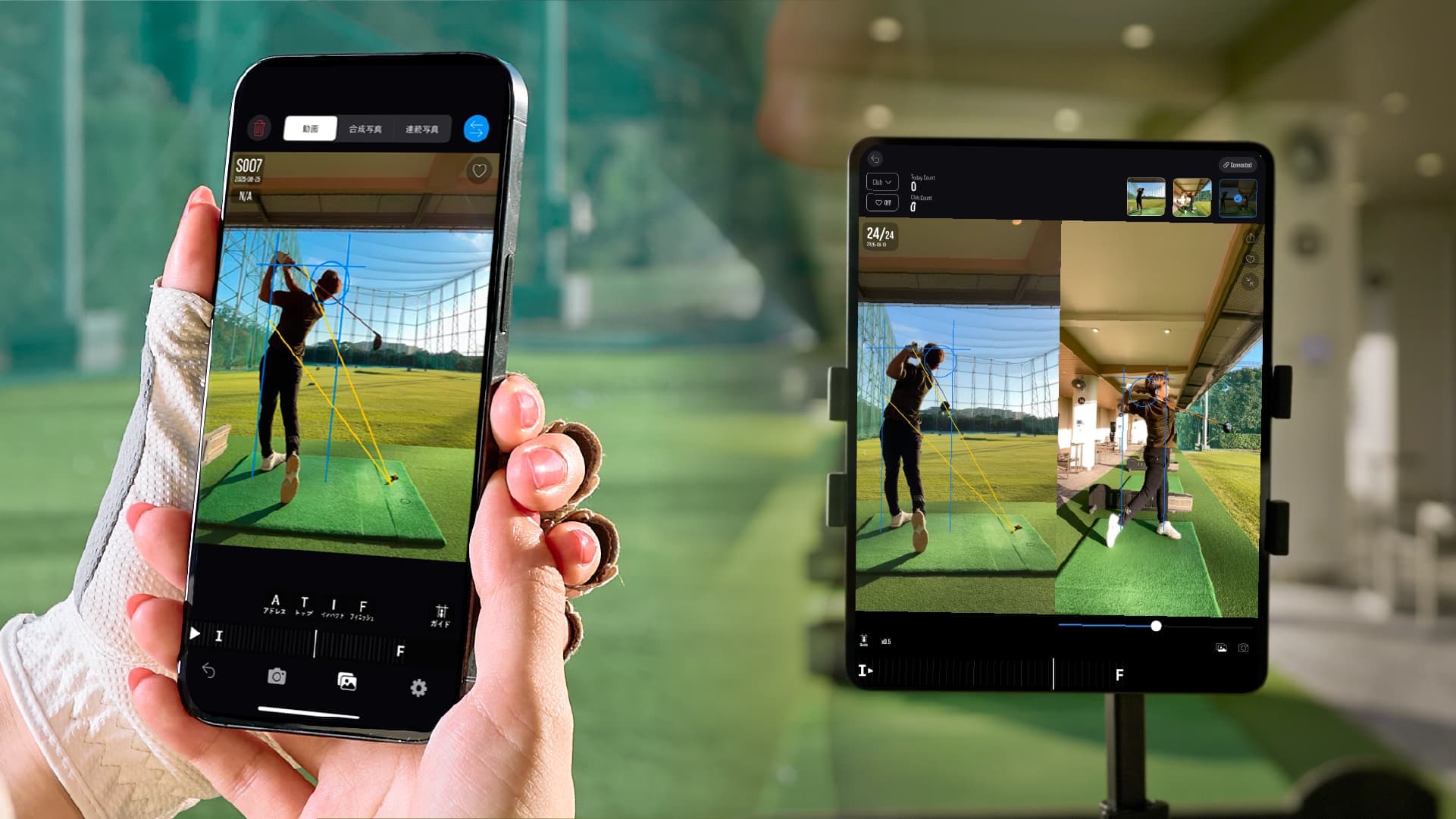

With an iPhone and tripod.
Start at your usual driving range.
No dedicated measurement sensor needed. Record your shots, putts, and swing with an iPhone and tripod.

Shots, putts, and swings.
With an iPhone and tripod, turn everyday practice into data.
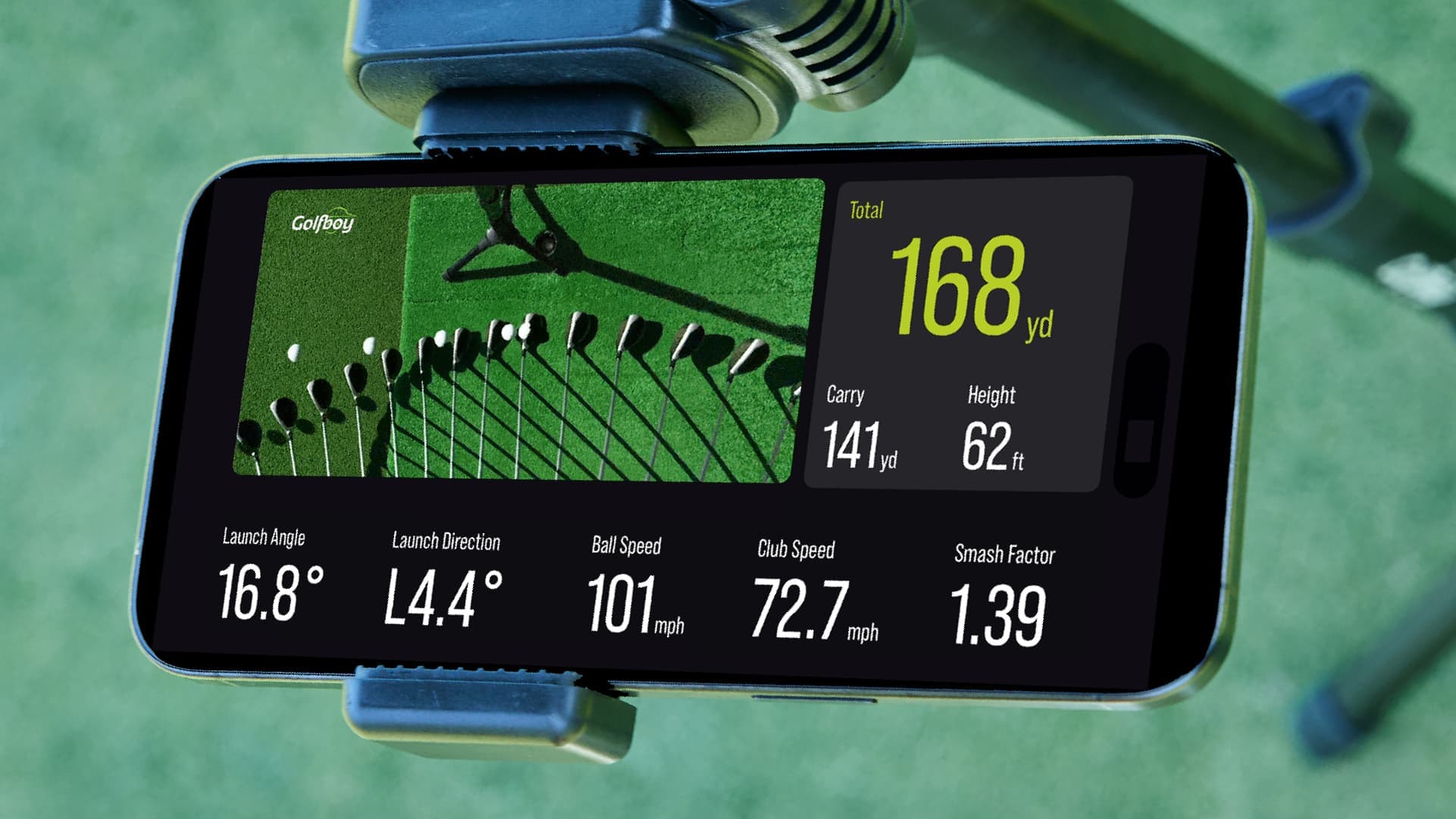
No dedicated measurement sensor needed. Start by downloading Golfboy.
Why Golfboy
With an iPhone and tripod.
No dedicated measurement sensor needed. Record your shots, putts, and swing with an iPhone and tripod.
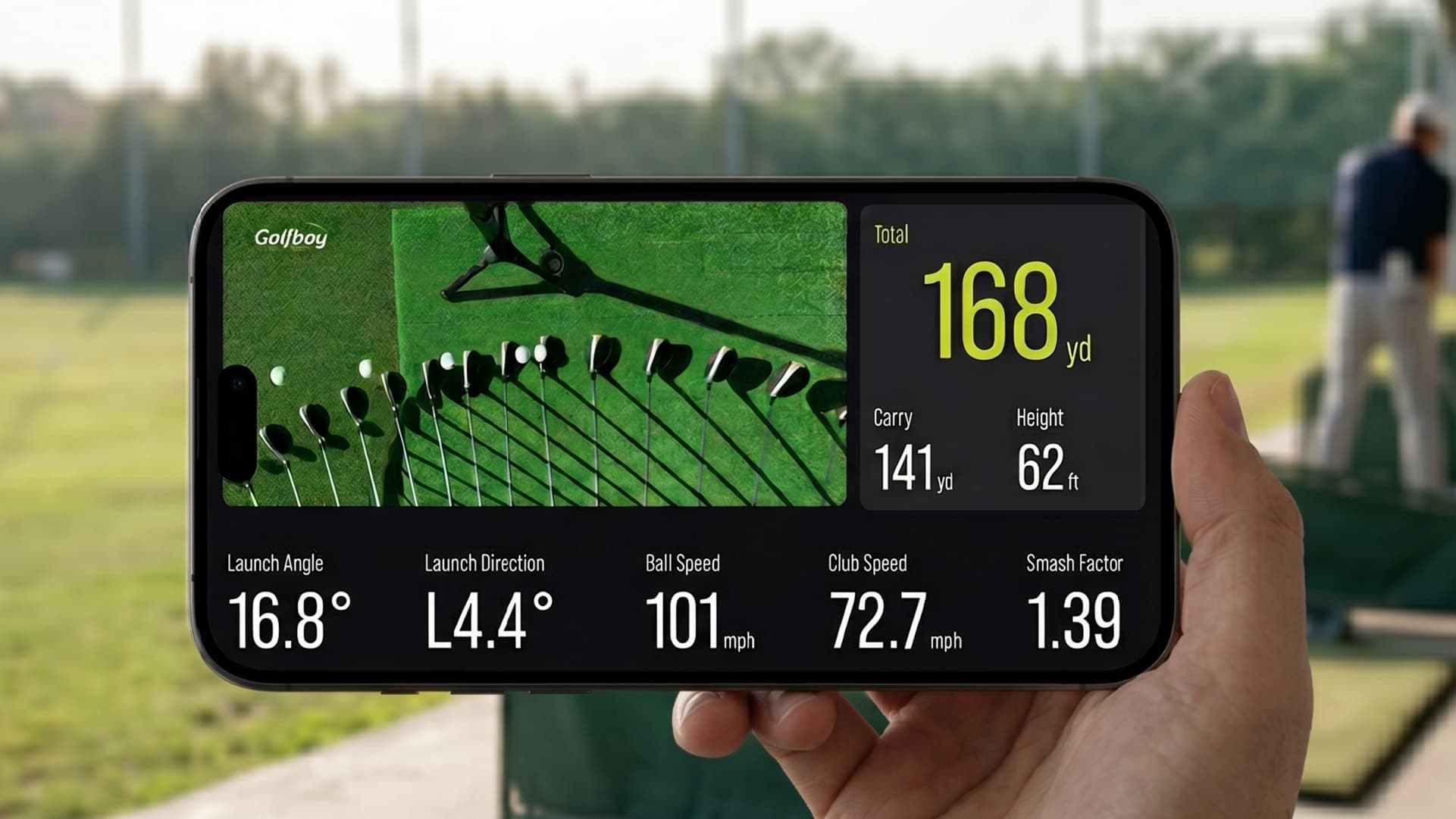
More accessible.
Start with the iPhone you already use, making golf measurement more accessible.

In one app.
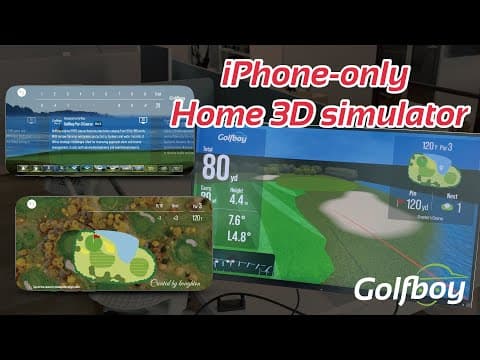
From shots, putts, and swings to simulation. Play, review, and enjoy. Golfboy connects it all.
Features
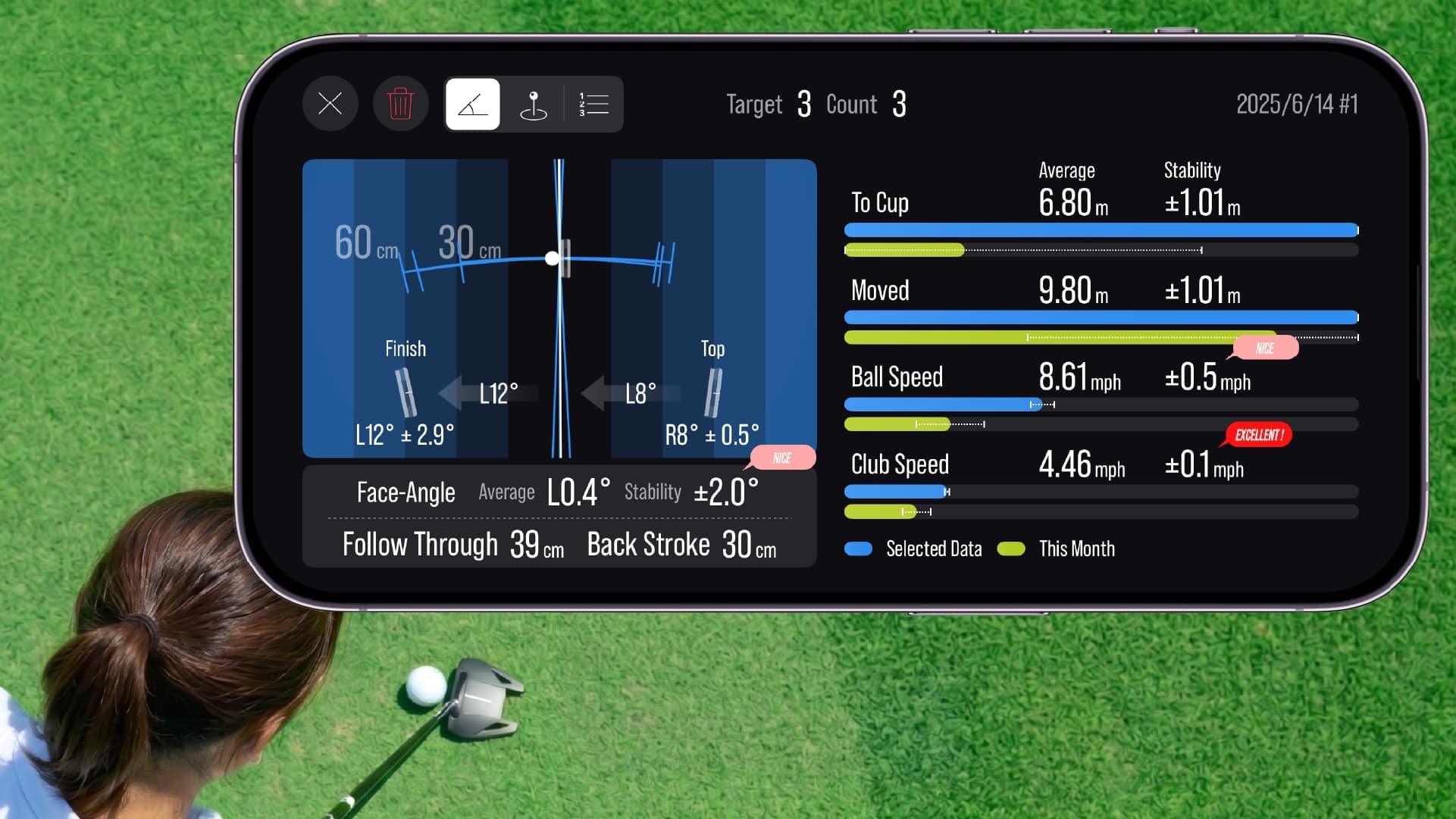
See your shots, putts, and swing through numbers and video. Understand where you are today, and take that insight into your next shot.
Play a round with your measured shots, compete with friends, or build your own course.
An iPad or external display is not needed for basic measurement. Add devices for separate-screen review or external output.
Get a feel for Golfboy with trial swing analysis or a 2D round.
Download professional swing data for free. Import it into Golfboy and compare it side by side with your own swing.
Simple setup
iPhone+Tripod
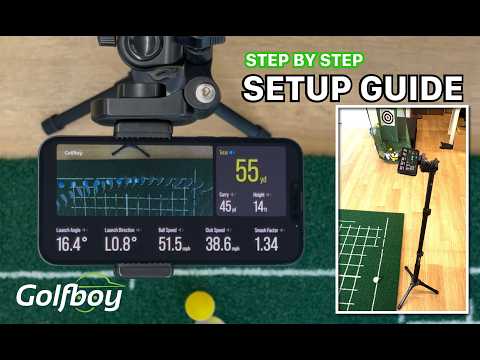
No special sensors are needed. You can also use a commercially available tripod.
The app requires iOS 15.6 or later (iPadOS 15.6 or later on iPad).
Swing analysis supports iPhone 11 or later and iPhone SE (2nd generation) or later.
Mount your iPhone on a tripod. Then point the camera to match the feature you want to use.
Shot, putt & simulation

Face the camera toward the ball
Swing analysis
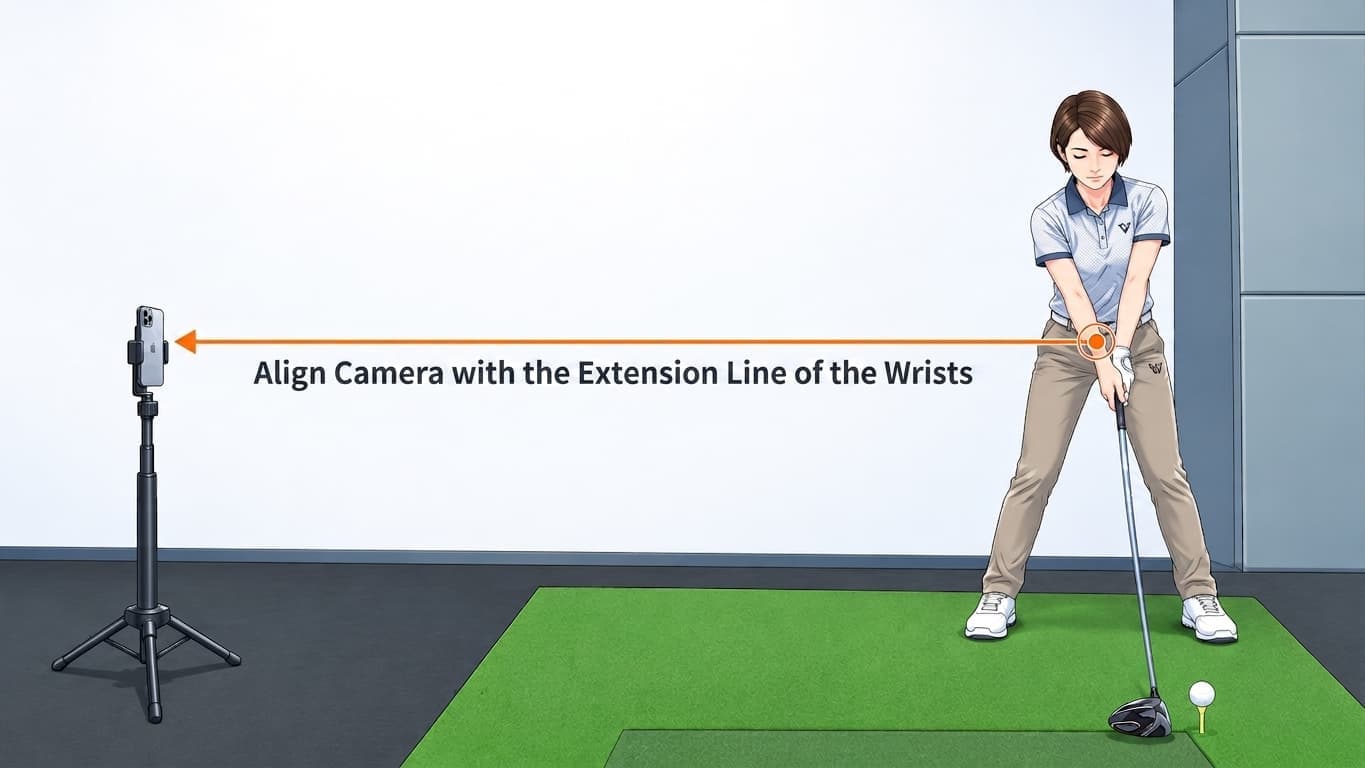
Film your swing from the side

Setup video
See the setup in action
See exactly how to position your iPhone.
Watch on YouTube (new tab)Pricing
A plan for the way you use Golfboy.
For a limited time, 1 month free.
Try Basic or Premium for free to get started.
Free plan
Best for
For golfers who want to try the app
Try 2D rounds and Friend Match. Trial swing analysis shows your latest video.
Free
What the free plan covers
Shot and putt analysis require a paid plan.
Basic
Best for
For golfers who want data-driven practice
Analyze shots, putts, and swings. Save practice data and videos for comparison.
Additional costs
3D courses are purchased individually. Extra features are paid options.
Premium
Best for
For golfers who want analysis and 3D rounds
All essential features, every 3D course, and extra features included.
Additional costs
All 3D courses and extra features are included. No individual purchases needed.
Check trial eligibility, post-trial pricing, renewal, and cancellation terms in the App Store when signing up. Annual billing is available for Premium only and is billed upfront. Personal plans do not cover commercial use.
For golf facilities & coaching
Facility use requires a commercial license, separate from personal plans.
The Golfboy app for your facility, with Basic-equivalent features and management tools.
Licensed per iPhone · Options sold separately
Try the app first, then choose the plan that suits your practice.
Golfboy tripod
Small footprint. Simple height adjustment.
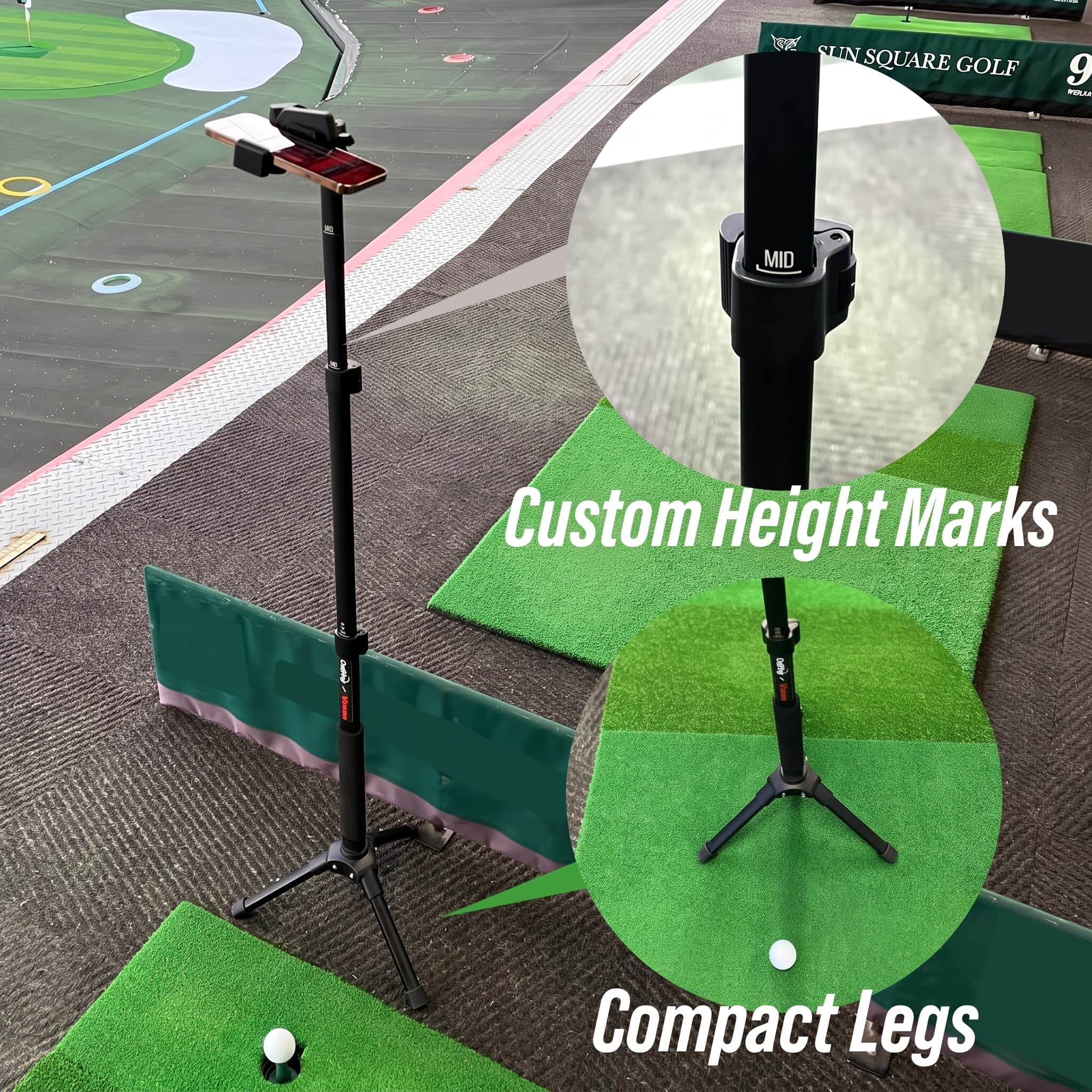
Compact legs fit limited practice spaces.
Just align with the LOW / MID / HIGH marks.
For launch monitoring, putting, and swing analysis.
Produced in limited quantities. Restocking may take several months.
Community
Guides from Golfboy and real reviews from golfers.
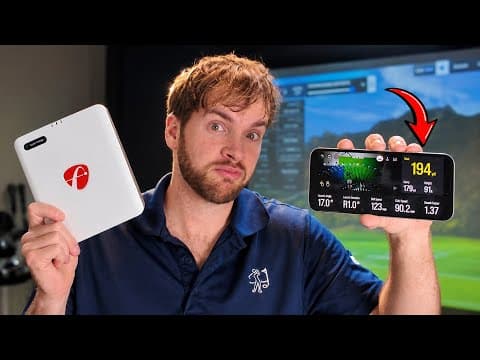
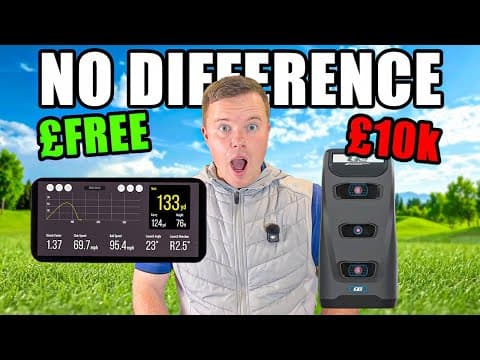
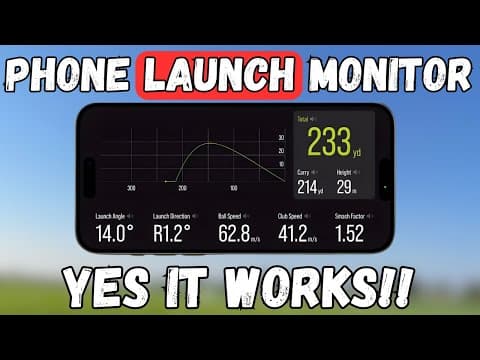
Golfboy Official YouTube
Watch step-by-step setup tutorials and explanations of Golfboy features.
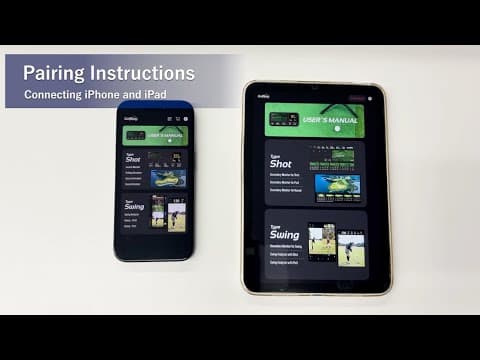
Feature guides, setup tutorials, and pairing instructions
 Latest · Recommended
Unreal Golf

Not a Perfect Golfer
2025-01-15
Callum Beveridge Golf
2025-01-10
Chris Dennis Golf
2025-01-05
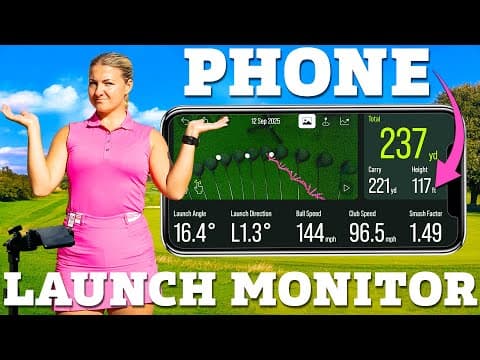
Hannah Holden Golf
2024-12-20

Alex Etches Golf
2024-12-15
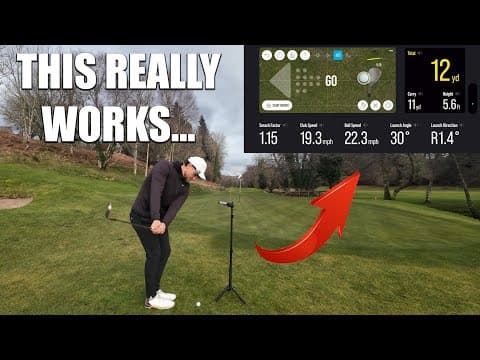
James Wiltshire
2024-12-10

Andrew Jensen Golf
2024-12-05
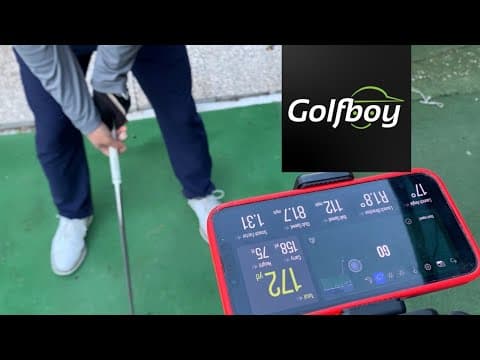
The Backyard Golfer
2024-11-25
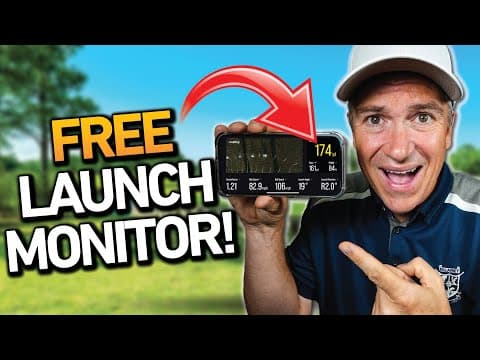
Lets Play Thru
2024-11-20
Latest
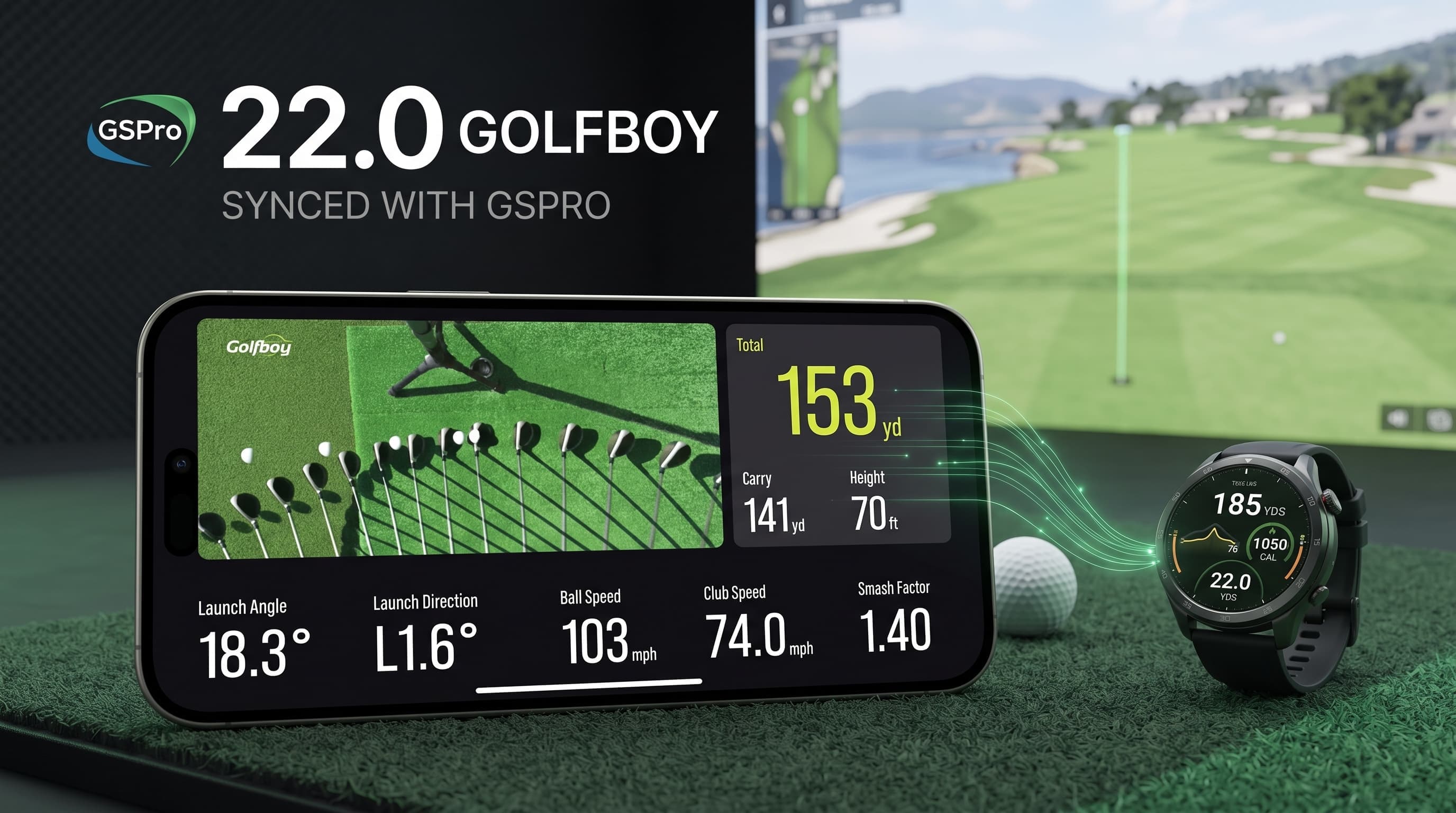
The upcoming release adds external device connectivity, opening up more ways to use Golfboy.

Golfboy has surpassed 300,000 cumulative downloads worldwide. Thank you to everyone who uses Golfboy.

Our collaboration with the golf improvement show SHIN GOLF introduces free professional swing downloads for side-by-side comparison with your own swing.
Explore the collaboration(opens in a new tab)FAQ
Check here first if you have questions.
Contact
Ask about features, setup, or business use. We usually reply within three business days.
Our FAQ and support are here if you need help. Get started with Golfboy at your own pace.